13 networks, one portfolio
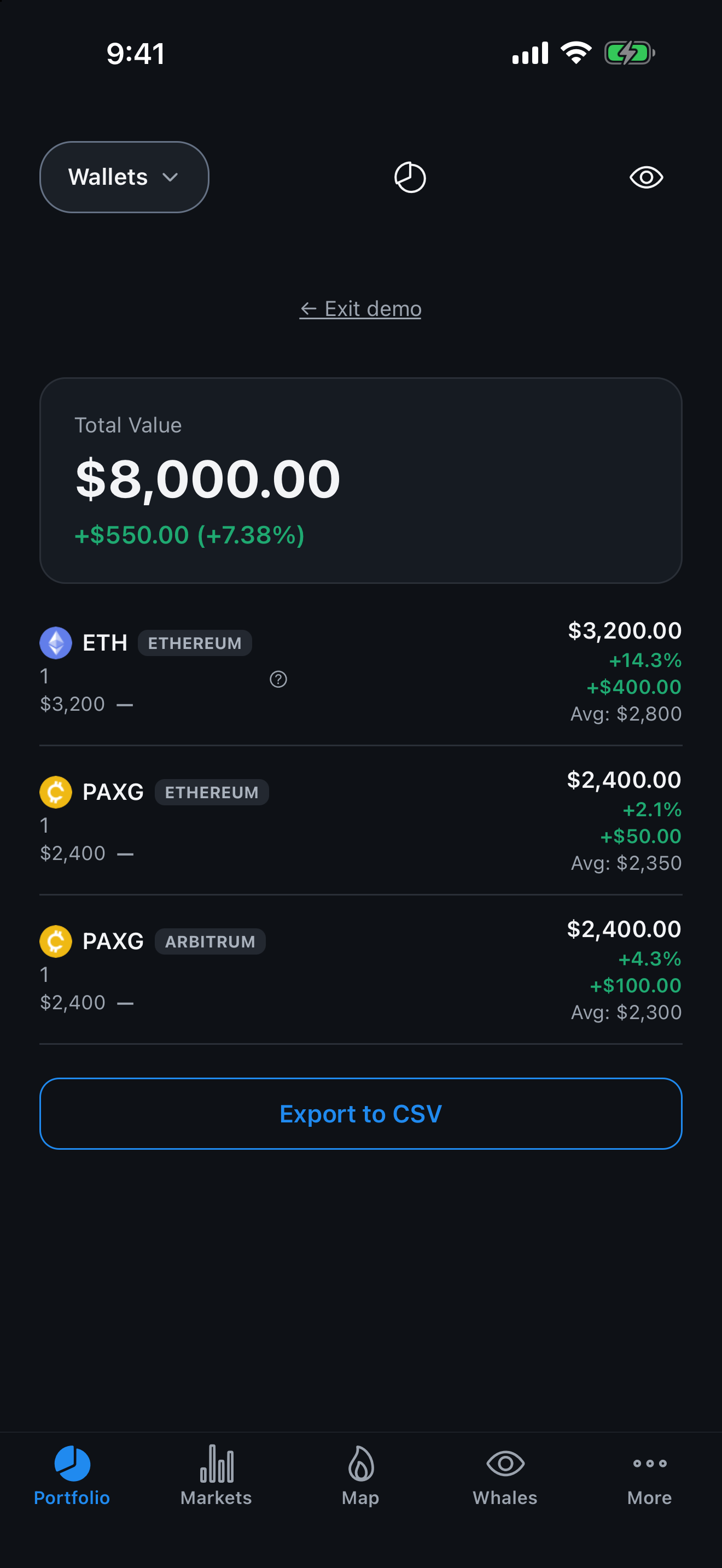
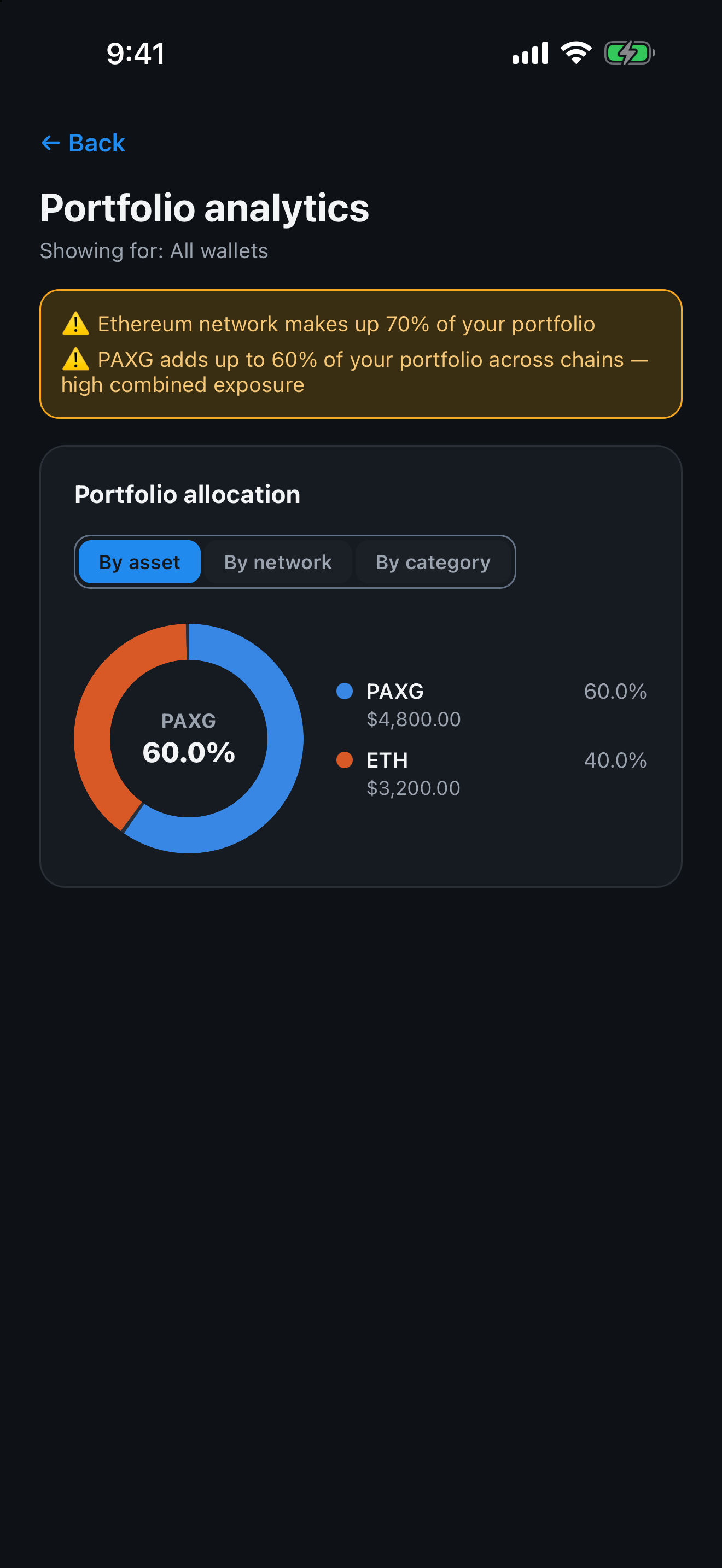
Add any public address; one EVM address covers seven chains and shows as one balance.
PnL Pal
PnL Pal tracks your crypto across 13 networks by public address. When it doesn't know a number, it tells you why instead of guessing.
PnL Pal is a read-only crypto portfolio tracker. You add public wallet addresses, and the app shows what you hold, what you paid and what you've made. It never asks for private keys or seed phrases, and it cannot trade, withdraw or move your funds.
One EVM address is checked across seven chains and shown as one balance. Average buy price comes from your transaction history, or you can set your own. If a number can't be calculated honestly, PnL Pal shows a dash and a short reason, not a made-up figure.
Your wallets, notes and cost basis are stored on your device. There is no account, no advertising and no analytics. Beyond the portfolio, the app has market tables, a liquidation map, a trade calculator and exchange rates from 11 national sources.
PnL Pal is an information tool, not financial advice.
Add any public address; one EVM address covers seven chains and shows as one balance.
Average buy price from your history or your own; transfers between your own wallets are not counted as buys or sells.
An unknown value is a dash with a reason, never a zero; if a network doesn't answer, the app says so.
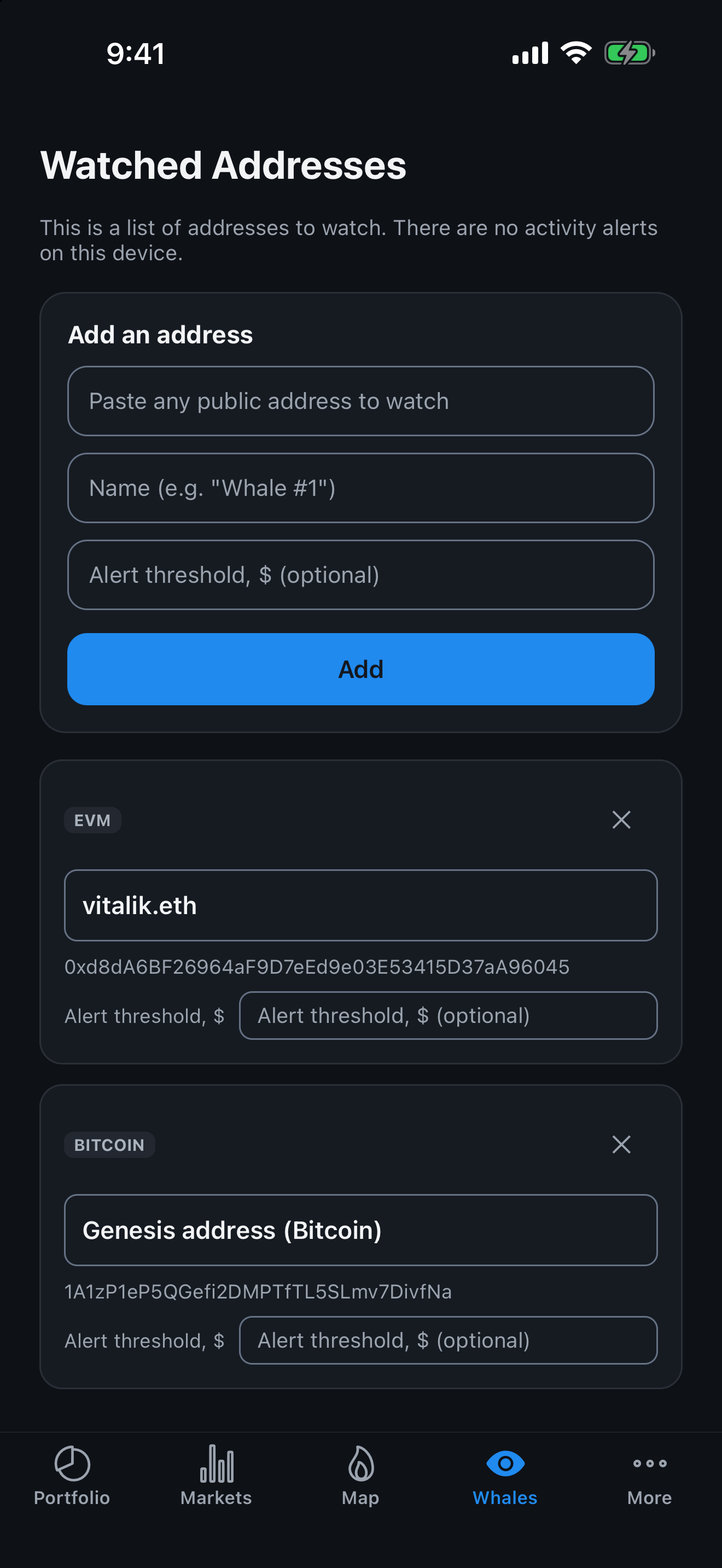
Follow any public address and name it; on iPhone, set a USD threshold and get a notification when a transfer at or above it goes through (Android: watch list only in version 1.0).
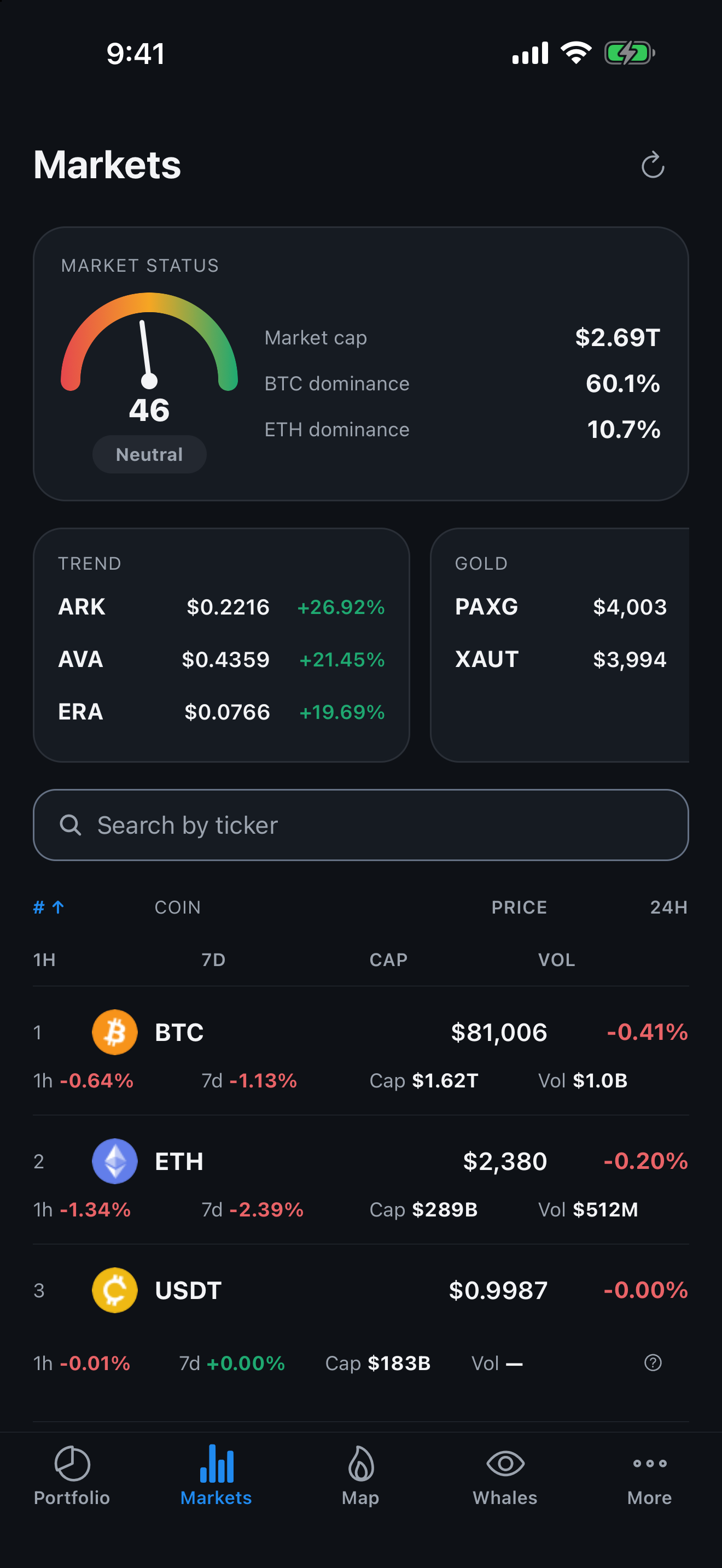
Search, sorting, 1h/24h/7d changes, Fear & Greed, market cap, Bitcoin dominance and coin pages with a zoomable chart.
An estimate of where leveraged positions could be liquidated, reconstructed from public exchange data and marked as an estimate.
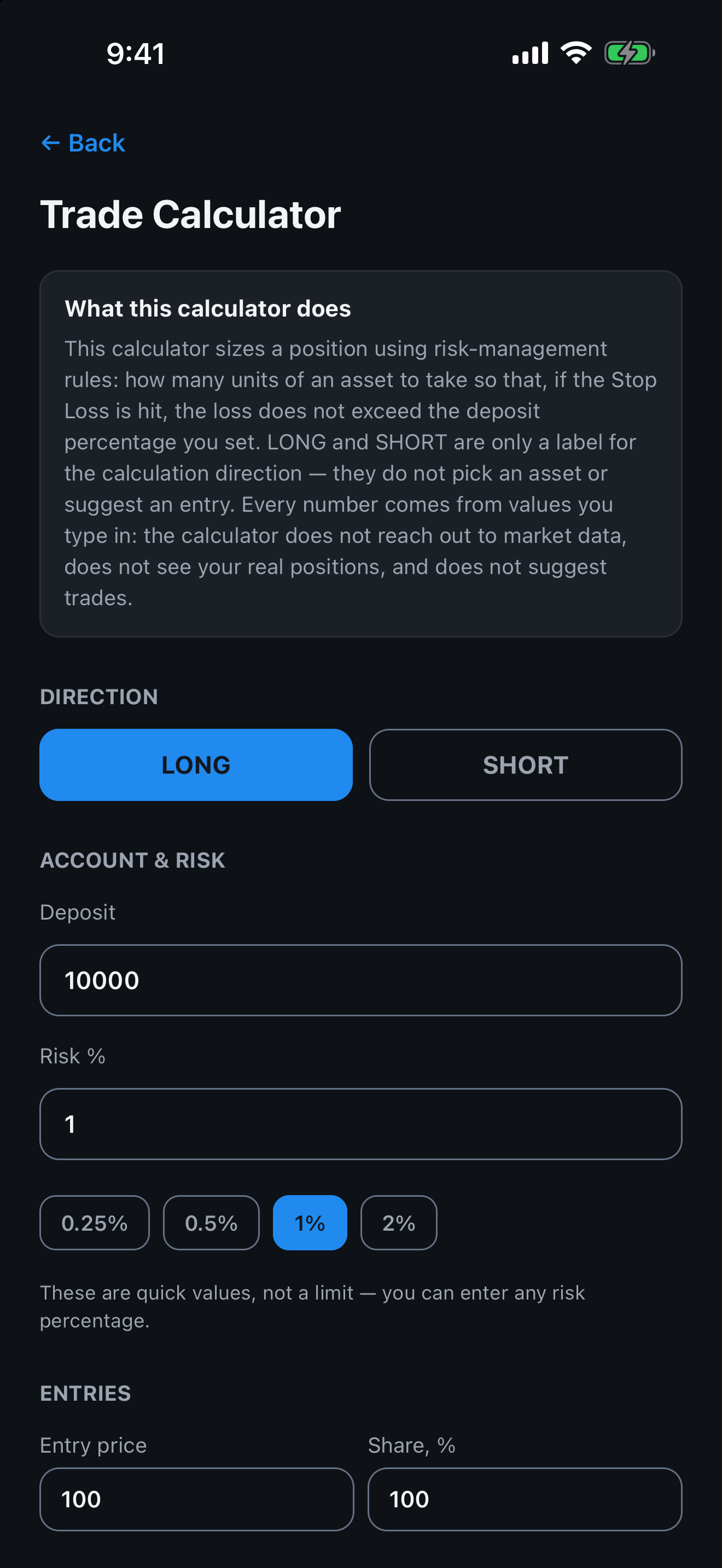
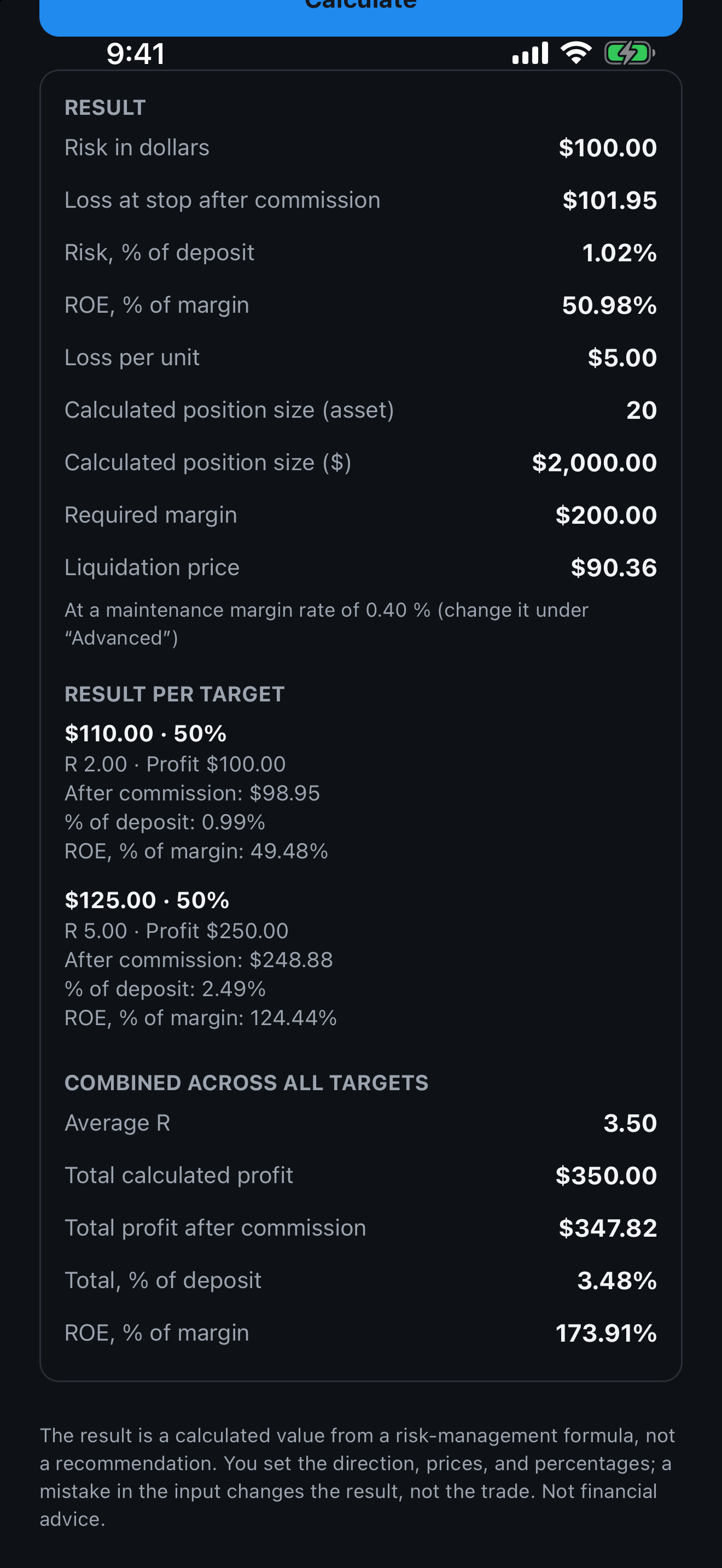
Position size from your risk, several entries and take-profits, stop loss, leverage, liquidation price and commission.
11 national sources, a built-in converter, and how often each source publishes and when it last did.
Supported networks: Ethereum, Arbitrum, Base, Polygon, BNB Chain, Optimism, Avalanche, Bitcoin, Solana, TON, Tron, Hyperliquid, Aptos.
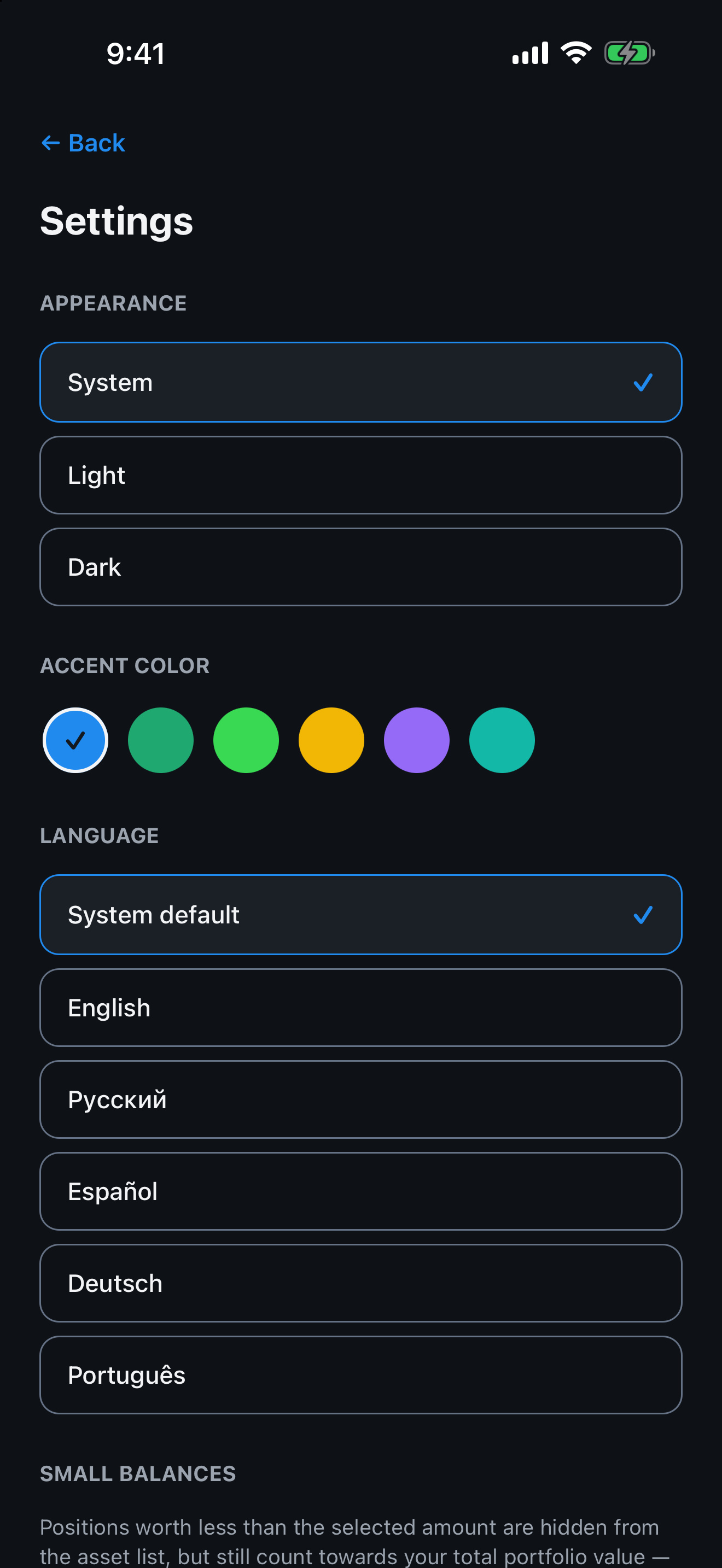
Languages: English, Russian, Spanish, German, Portuguese.
No, never. PnL Pal works with public addresses only and cannot trade, withdraw or move your funds.
The app cannot move your funds. Crypto prices still fluctuate, and the liquidation map is an estimate. PnL Pal is an information tool, not financial advice.
Wallets, notes, cost basis and settings are on your device. Public addresses are sent to our server only to fetch balances and history. If you turn on alerts (iPhone), the followed addresses, thresholds and an encrypted push token are also stored on our server until you turn alerts off.
Version 1.0 has no purchases or subscriptions. If paid features are introduced, they will be shown clearly in the app and the store listing before anything is charged.
iPhone (iOS) and Android phones.
Remove wallets, notes and watched addresses in the app at any time. To erase everything, open Settings and choose "Erase all data": it clears the device and deletes your installation record and alert registration on our server. Turning alerts off deletes your alert registration from our server. Questions: [email protected]. See https://sdkaprime.com/privacy.
On iPhone, turn on "Activity on watched addresses" in Settings and set a USD threshold for an address. Our server checks the address and sends a push notification when a transfer at or above the threshold goes through, usually within 5-10 minutes. It is not instant. Alerts cover only the networks our server monitors, and the app tells you when an address isn't covered. In version 1.0 alerts are iPhone-only; Android has the watch list without notifications.
It means the app does not know the value, and tapping the "?" next to it gives the reason. There are three: the history hasn't built up yet (it will appear on its own), the source didn't return the value (it may appear later), or the calculation isn't possible (it won't appear without your action). A dash is never a zero.